AI-powered tutorial production for educators, tutors, and product teams
Turn screen recordings into professional training videos — faster than ever.
Whether you are a freelance tutor building a course, an educator creating classroom materials, or a product team shipping onboarding content — vEdition captures your actions, structures them into tutorial steps, drafts narration with AI, generates voice tracks, and exports polished videos, subtitles, and documentation from a single recording session.
Includes a free 7-day trial — try the full Pro before you buy.
- Free Recorder with cursor glow and mouse trail effects
- 5 AI tiers — from OpenAI to fully offline, your choice
- One-time €99, no subscription — free AI options included
vEdition Studio
Semantic capture
Clicks, keys, drag, text, scroll
AI narration
OpenAI, DeepSeek, Groq, Ollama, or fully offline
Voice
AI narration in 14 languages
Click
Ctrl+S
Drag
Type
.webm
.mov
.gif
.wav
.srt
.md
.edl
Designed for freelance tutors, online course creators, IT trainers, technical educators, product marketing teams, onboarding specialists, and software studios.
Why vEdition exists
Most recording tools capture footage. vEdition captures instructional structure.
Positioned between generic screen recorders and expensive manual post-production — one workflow instead of five disconnected tools for capture, scripting, voiceover, subtitles, and finishing.
The old way
Record screen, manually cut the timeline, write a script from scratch, record voiceover in a separate app, prepare subtitles, then rebuild the same content again for documentation. Every tutorial is a mini production project.
The vEdition way
Record once with action-aware capture. vEdition detects clicks, keystrokes, and pauses — then builds tutorial steps automatically, drafts narration with AI, generates voice, and exports video, subtitles, and docs from one session.
Who benefits
Freelance tutors publish courses faster. Educators keep materials up to date. Product teams ship onboarding content with every release. Training studios scale output without scaling headcount.
See it in action
Record, edit, and publish — all in one place
The Studio timeline, the quiz editor, and the in-browser player your learners use.
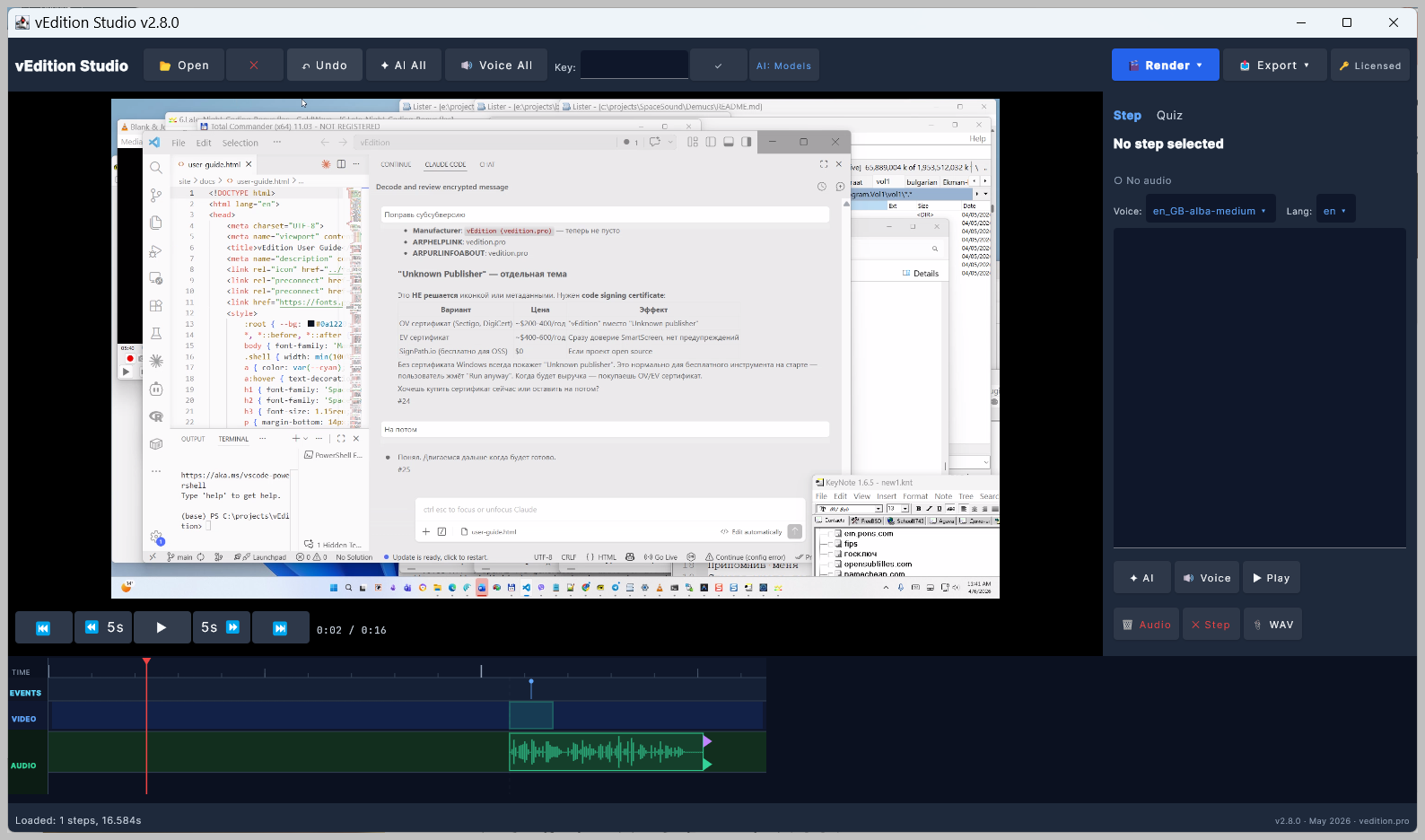
Studio: video preview, step details, and the 4-track timeline with narration audio.
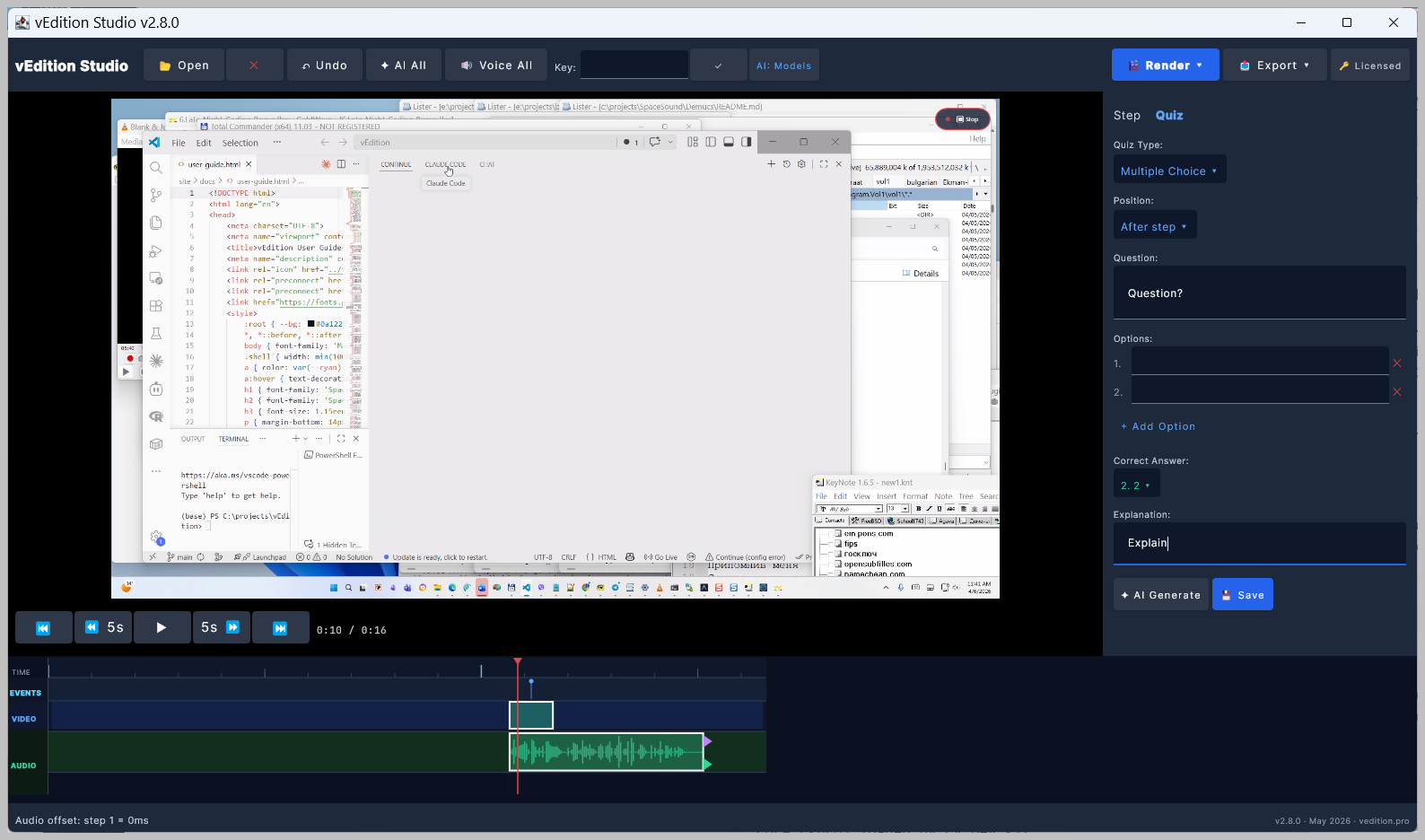
Quiz editor: multiple choice, true/false, text, reflection, or code — graded in the player.
Web Player
Learners watch in the browser — timeline, markers, live quizzes. No install.
Core capabilities
A focused production stack for tutorial content
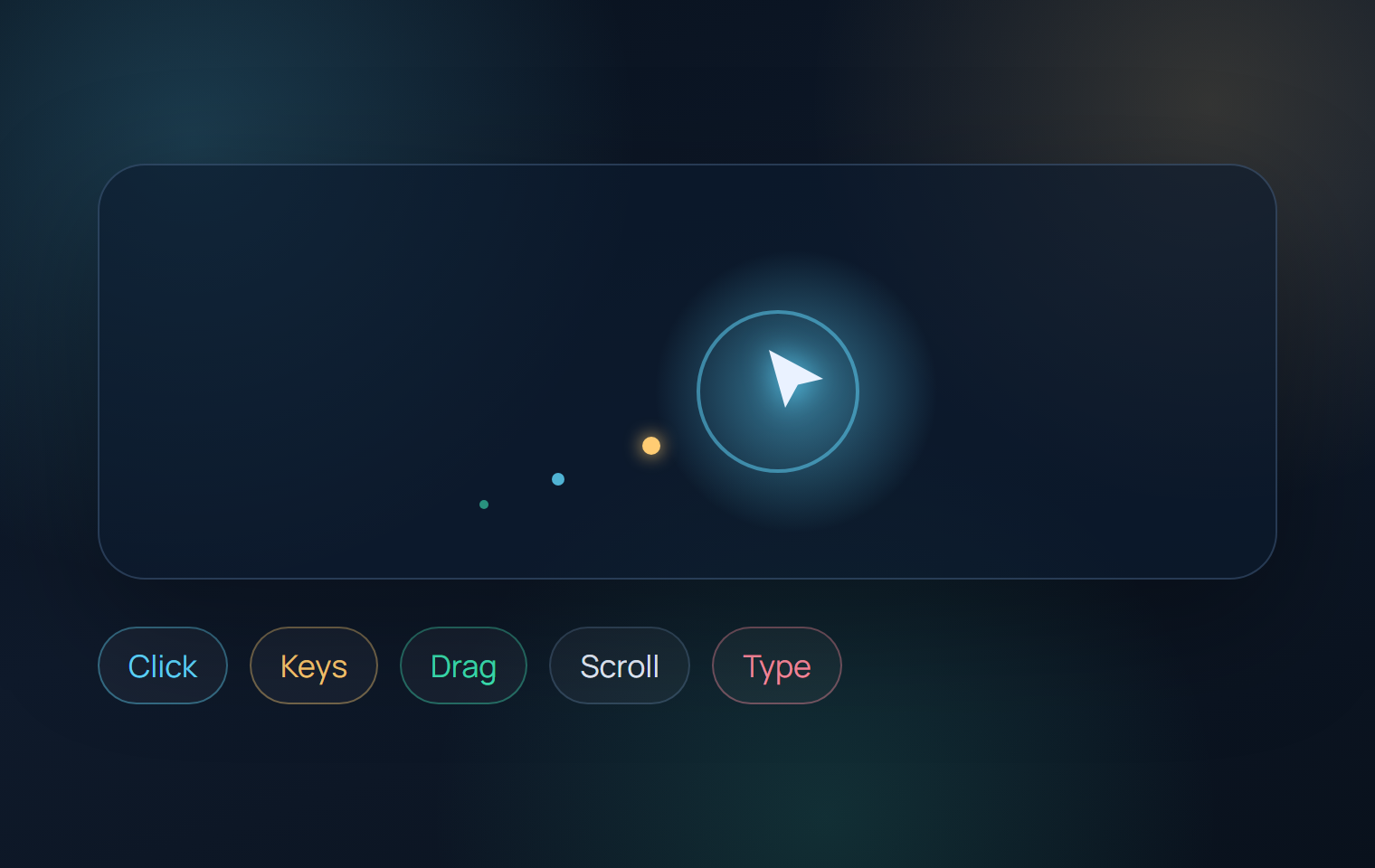
Smart capture with visual effects
Records clicks, keys, drag, scroll, and text input. Optional cursor glow halo and sparkle mouse trail make actions visible in the final video.
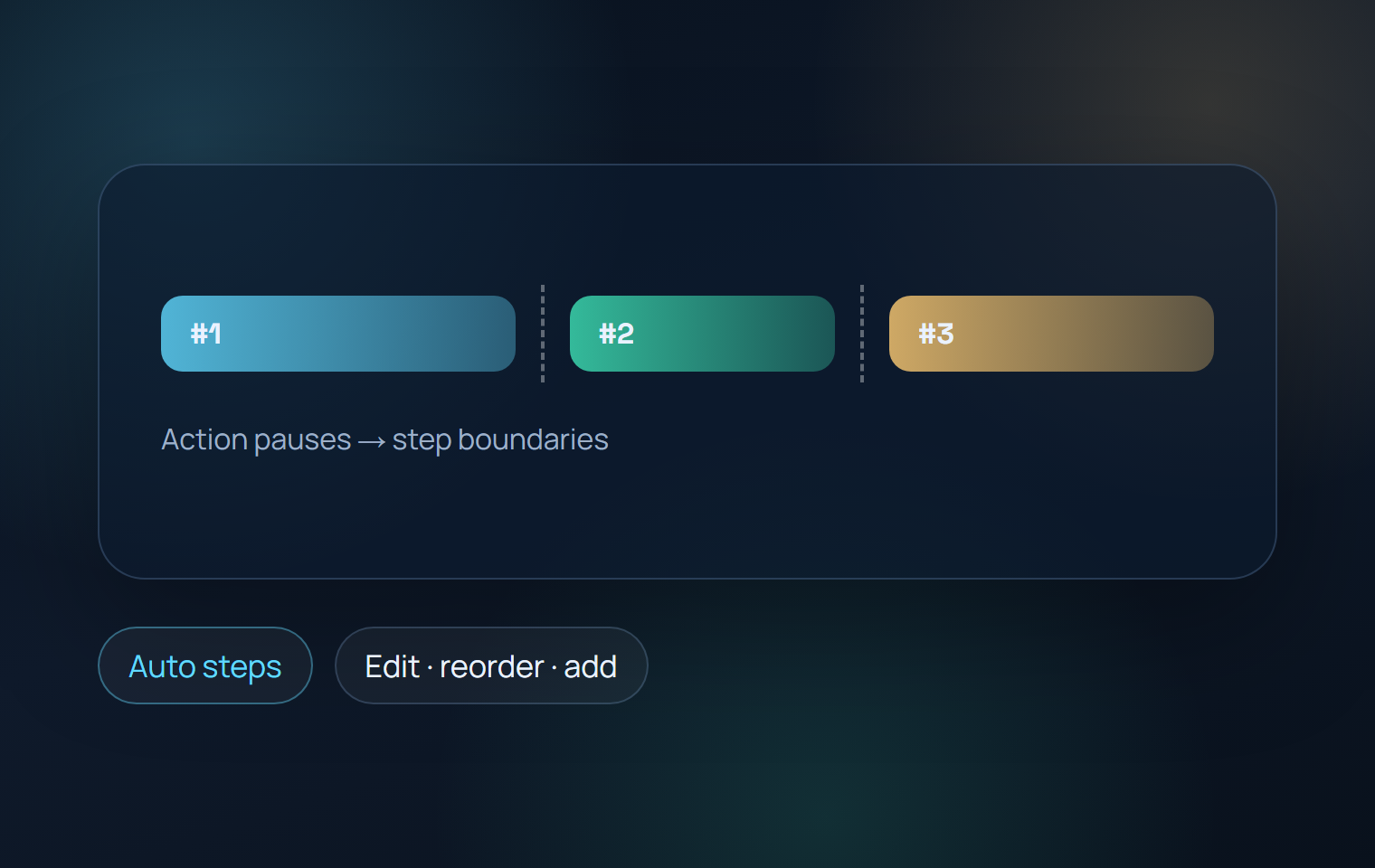
Auto-detected tutorial steps
Action pauses become step boundaries. You start with a structured draft — not a blank timeline. Edit, reorder, or add steps with one click.
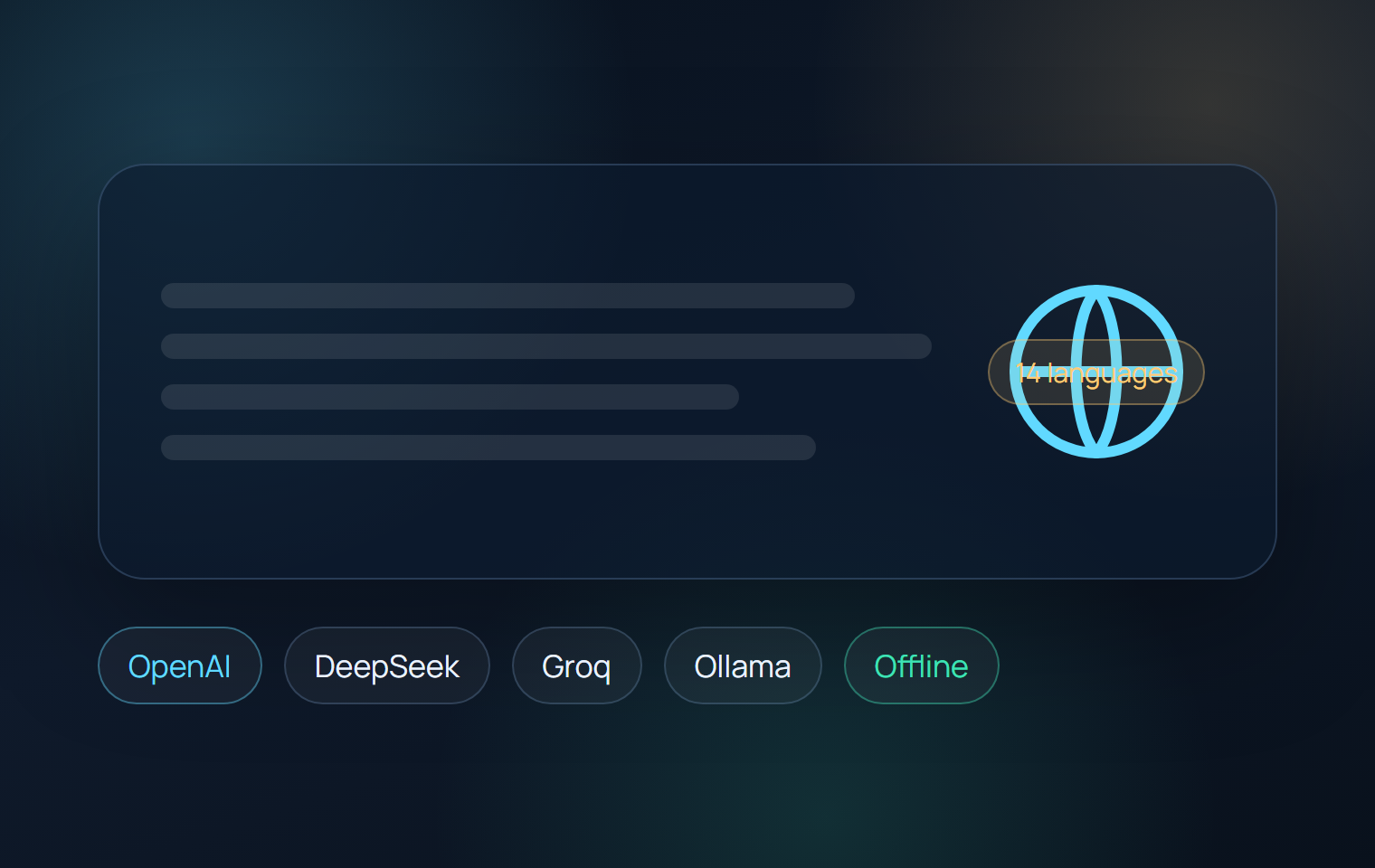
AI narration in 14 languages
Human-like scripts that describe what you do and why. OpenAI, DeepSeek, Groq, Ollama — or fully offline. No API key needed for free tiers.
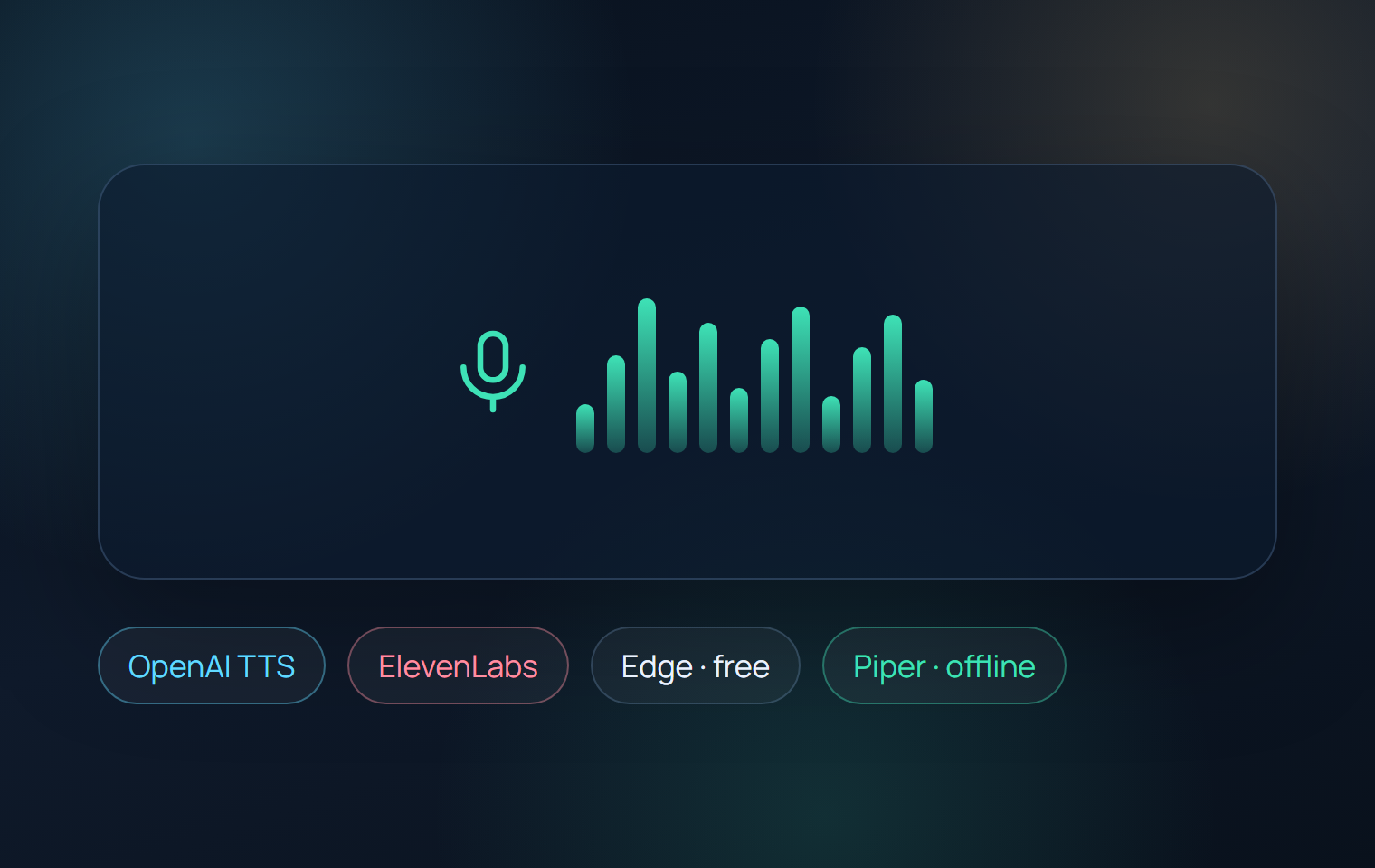
Voice from 4 providers
OpenAI TTS, ElevenLabs, Microsoft Edge TTS (built-in, free), or Piper (fully offline). Mix any text AI with any voice provider.
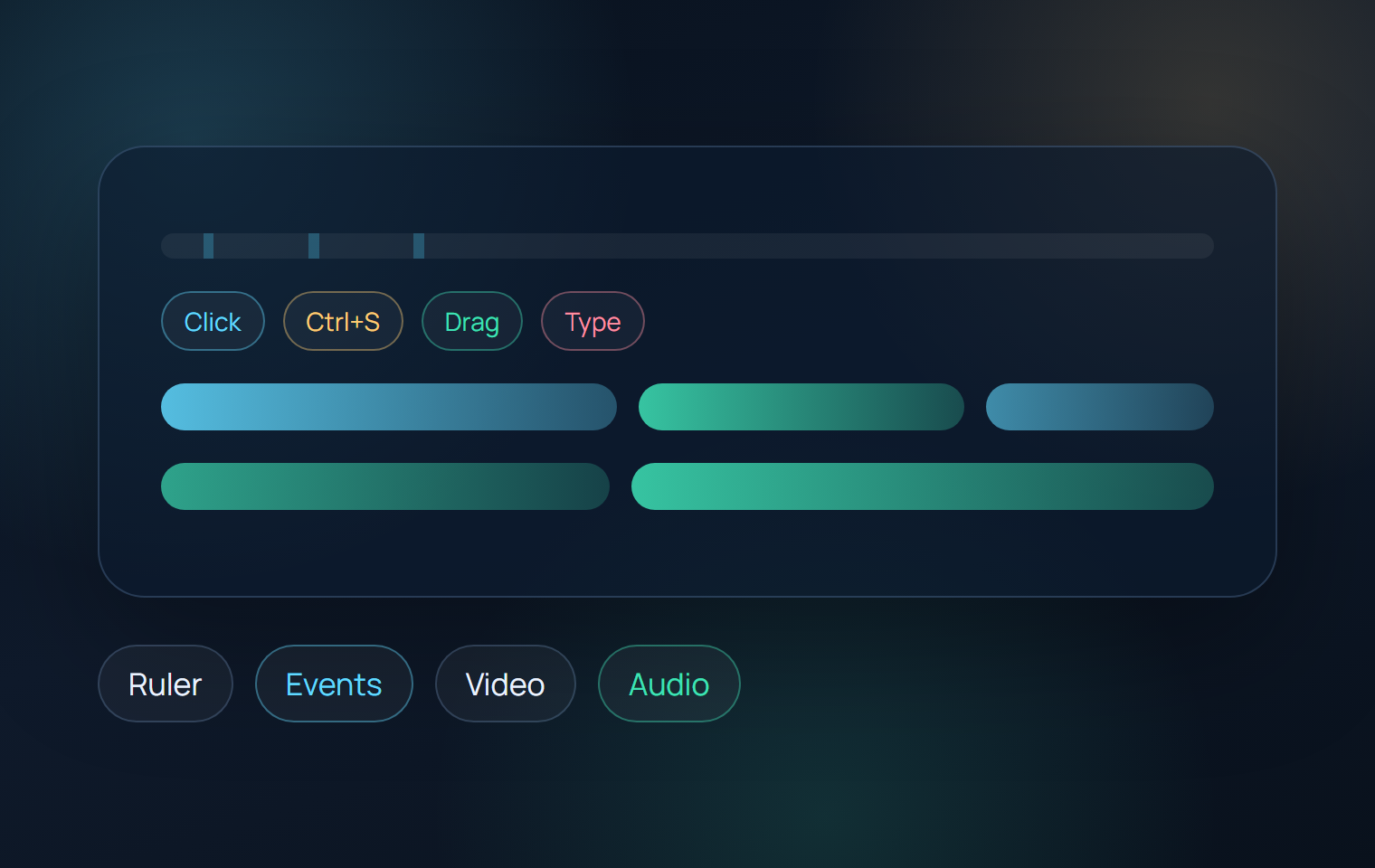
4-track timeline
Ruler, events, video steps, and narration audio — all on one visual timeline with drag, fit, and trim.
Image overlays & background music
Coming soon — image overlays, background music tracks with auto-ducking.
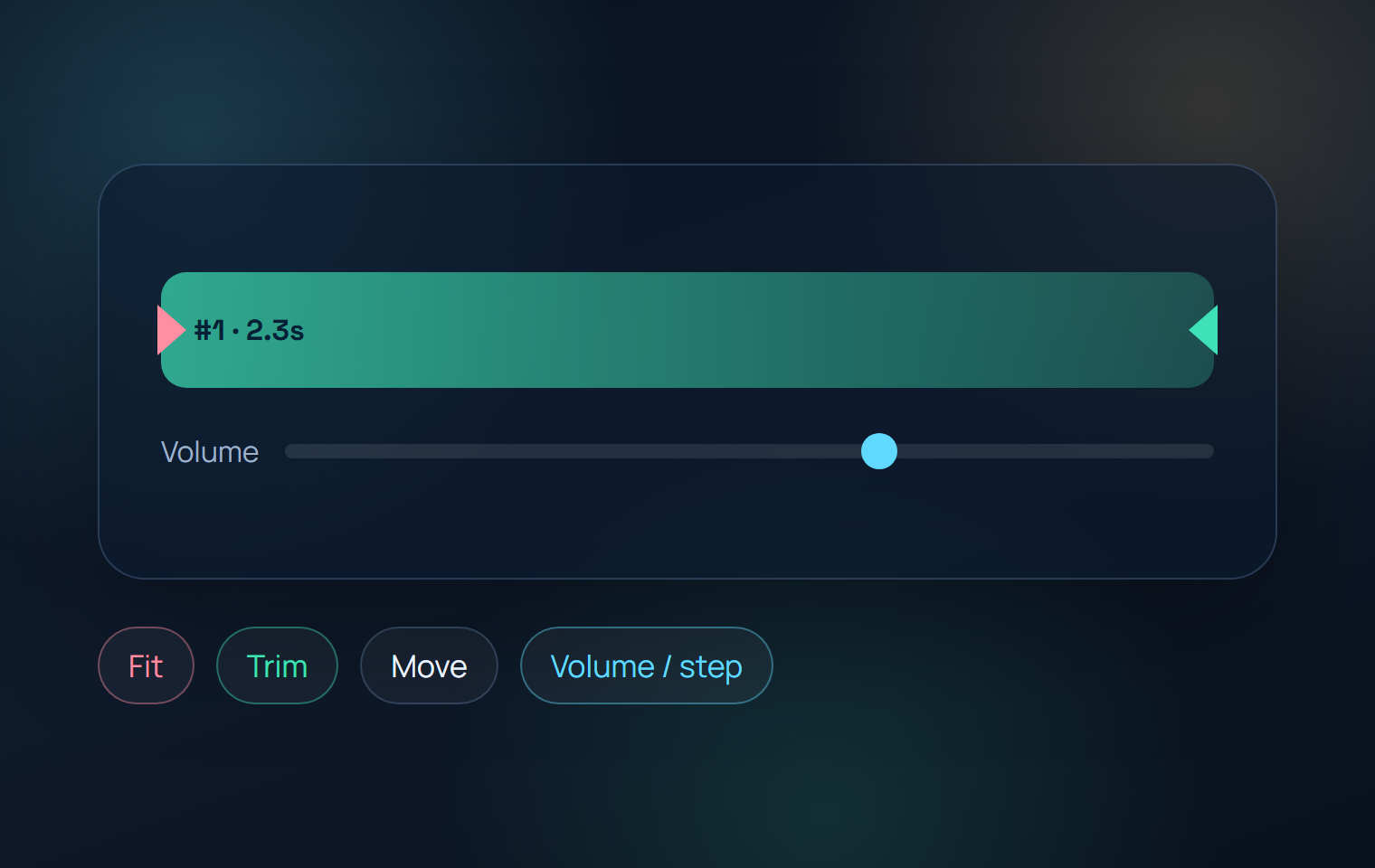
Smart audio operations
Fit, trim, and move narration audio with drag controls. Per-step volume adjustment via FFmpeg.
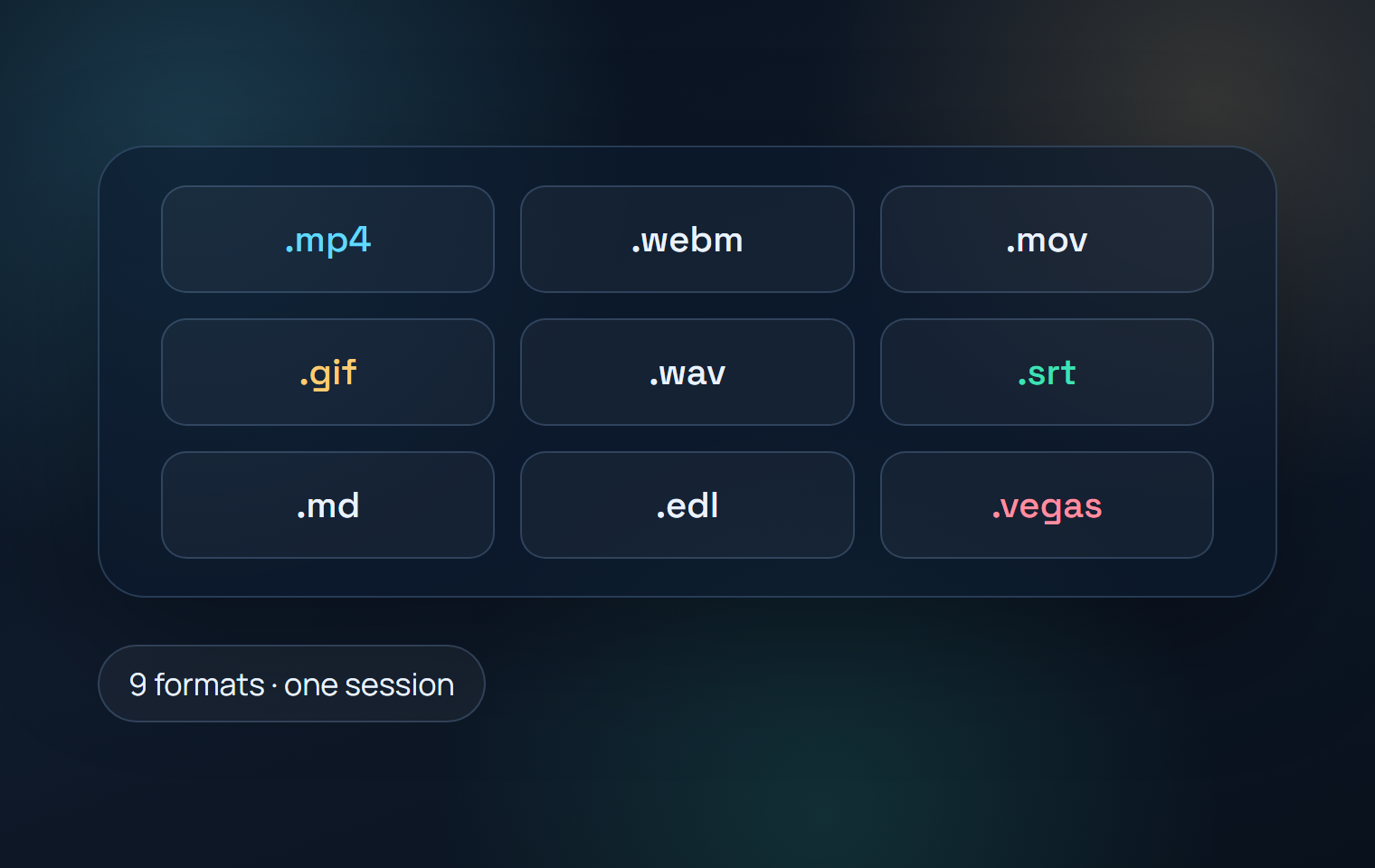
9 export formats
MP4, WebM, ProRes, GIF, WAV, SRT subtitles, Markdown docs, EDL for Resolve/Premiere, and VEGAS Pro scripts — from one session.
What's new
Latest in Studio 2.8.0 & Recorder 1.3.0
The biggest update yet — interactive quizzes, an in-browser player, broader AI, and a more reliable recorder.
Quiz System
Drop quizzes onto the timeline — multiple choice, true/false, text, reflection, or code tasks. They trigger and grade inside the Web Player, and AI can generate them for you.
In-browser Web Player
Publish a session and learners watch it in the browser — multi-track timeline, event markers, auto-scroll, and live quizzes. No install for viewers.
LLM chat API for narration & quizzes
Generate narration and quizzes through any OpenAI-compatible provider — OpenAI, DeepSeek, Groq, Ollama, or your own endpoint.
Voice in 14 languages
Five TTS providers across 14 languages. The Piper voice picker now lists 34 offline voices, filtered to your selected language, with one-click downloads.
9 export formats
Now including GIF and WAV alongside MP4, WebM, ProRes, SRT, EDL, VEGAS, and Markdown.
Edits that travel with the session
Narration, audio fit/trim/offsets, and video ranges save into the session itself — move it between machines and the edits follow through to the Web Player.
Recorder 1.3.0 — sharper & steadier
Accurate region-mode coordinates, true per-monitor DPI scaling, a configurable F9 stop hotkey, and a unified version stamp across the app and session files.
Smoother Studio UI
Cleaner modal layering for the video preview and dialogs, a roomier default window, and clearer AI-tier wording.
Studio pricing
vEdition Studio — one-time purchase
It's one app. The free trial is the full vEdition Pro, unlocked for 7 days. When the trial ends, just activate a license to keep working — same install, your projects carry over. No reinstall, nothing to migrate.
Free Trial → Pro
€0/7 days
The complete vEdition Pro, free for 7 days — then activate a license to continue in the same app.
- Full vEdition Pro — every feature unlocked
- All AI tiers, including free offline options
- All 9 export formats
- No credit card required to start
- After 7 days: enter a Pro license to keep using it — your projects stay
Pro
€99/seat
For solo creators and early product teams.
- 4-track timeline: ruler, events, video, audio
- 5 AI tiers with free options — no API key required
- Voice in 14 languages, volume per step
- 9 export formats: MP4, WebM, ProRes, GIF, WAV, SRT, EDL, VEGAS...
- 12 months of updates
- Activates your trial install — enter the key, no reinstall
Team
€249/3 seats
A practical bundle for small production teams.
- Three Pro seats in one purchase
- Shared license key with 3 activations
- 12 months of updates included
- Instant delivery — download immediately after purchase
Transparent AI costs
Bring your own AI — or use it for free
Choose your provider
OpenAI, DeepSeek, Groq, ElevenLabs, Edge TTS, Ollama, Piper — or any OpenAI-compatible API. Mix narration and voice providers freely.
Free tier available
Run entirely without API keys: Ollama for narration (local) + Edge TTS for voice (free Microsoft). Or go fully offline with Ollama + Piper. Zero cost.
Your data stays yours
All requests go directly from your machine to the provider you choose. Nothing passes through vEdition servers. Your narration text and audio stay under your control.
5 AI tiers on first launch: OpenAI (best quality) · Custom LLM (DeepSeek, Groq, etc.) · Free Cloud (Ollama + Edge TTS) · Models (offline Ollama + Piper) · Manual (no AI). A built-in wizard guides you through setup in 2–5 minutes.
Workflow
From live product interaction to publishable training package
Capture
Select a monitor, region, or target window and record the real workflow with action-level metadata.
Build steps
Open the session in Studio, review detected steps, and refine the script or let AI prepare first-pass narration.
Voice and fit
Generate narration, insert external audio if needed, trim, move, or fit clips to timeline regions.
Deliver
Render final assets for web delivery, subtitle workflows, documentation portals, or professional finishing systems.
Who it is for
From solo tutors to enterprise training departments
Freelance tutors and course creators
Build and publish professional video courses on Udemy, Skillshare, or your own platform. AI narration and voice save hours of recording and editing per lesson.
Teachers and educators
Create step-by-step walkthroughs for students — software labs, tool introductions, assignment guides. Export subtitles and markdown notes alongside the video.
Product and onboarding teams
Ship new-user walkthroughs and release education with every product update. One recording session produces video, subtitles, and documentation together.
Training studios and IT departments
Standardize tutorial production across your organization. Repeatable workflow, consistent style, multi-format export for LMS, help centers, and internal wikis.
Free download
vEdition Recorder — free, no license required
Capture screen actions, clicks, keys, and drag events. Save sessions locally and open them in Studio when you are ready to edit.
Recorder v1.3
Free
Professional screen capture with visual effects.
- Screen, region, or window capture
- Cursor glow halo + sparkle mouse trail (toggle on/off)
- Pause/resume with floating timer overlay
- Tracks clicks, keys, drag, scroll, text input
- 464 KB installer, no account, no sign-up
Record → Edit → Publish
1. Install Recorder (464 KB, Windows 10/11).
2. Enable cursor glow, pick target, hit Record.
3. Pause/resume as needed. Stop when done.
4. Open in Studio → AI generates narration + voice → export.
Next step
Start with the free Recorder. Buy Studio when you are ready to produce.
No credit card for Recorder. Studio includes a 7-day trial with full functionality.